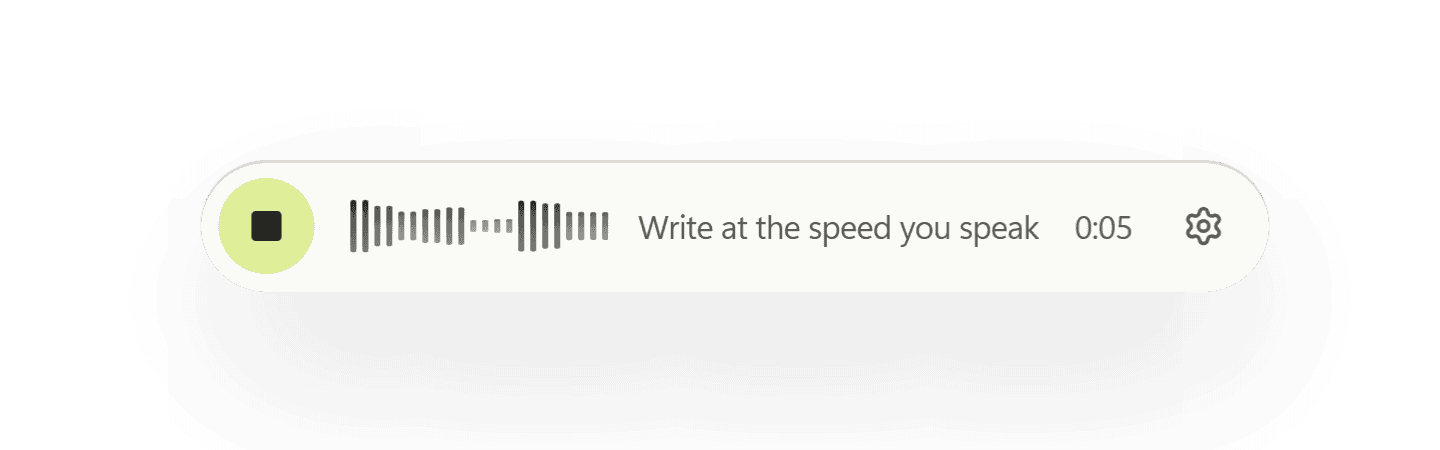
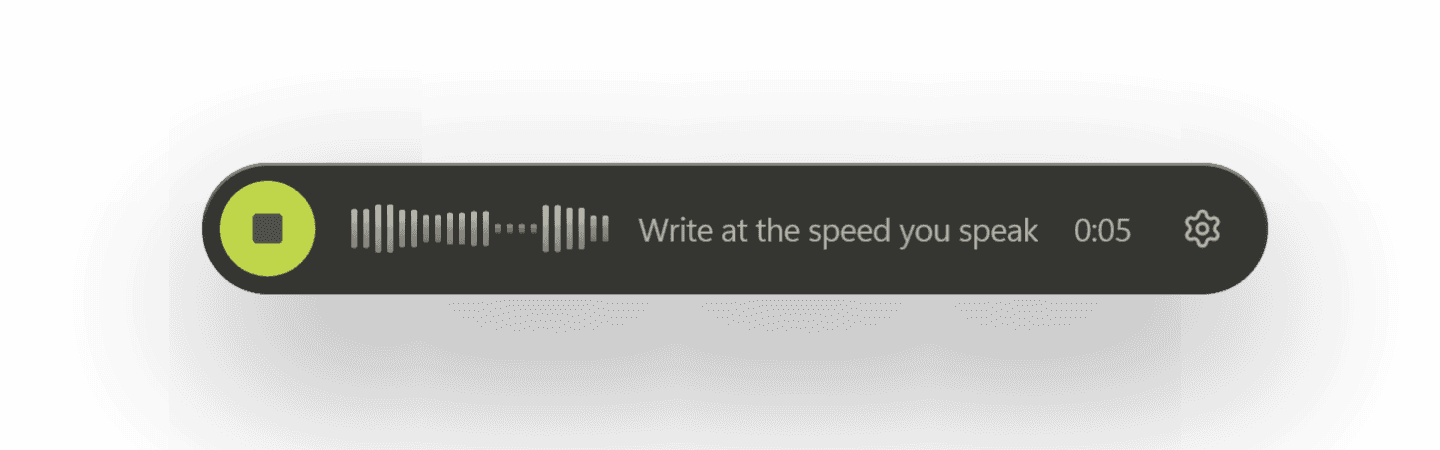
Write at the speed you speak.
SayEcho types what you say into whatever you’re working in: an email, a document, a chat, a commit message. Press a shortcut, talk, and the words land where your cursor is.
Free and open source for macOS, Windows and Linux. Your voice is transcribed on your computer.
Inside SayEcho
Small while you talk. Thorough when you look back.
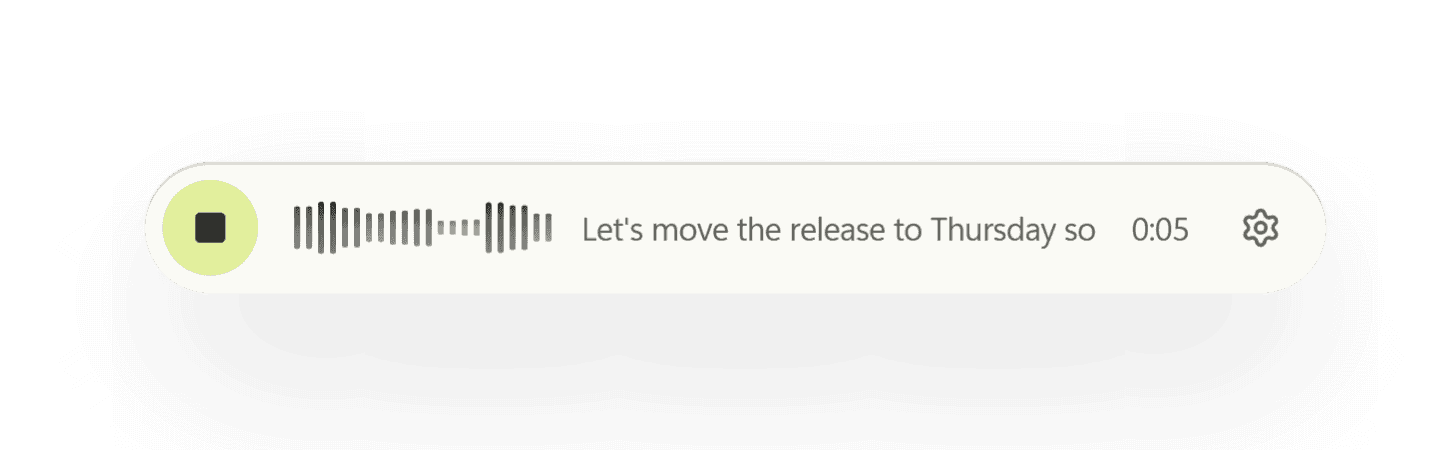
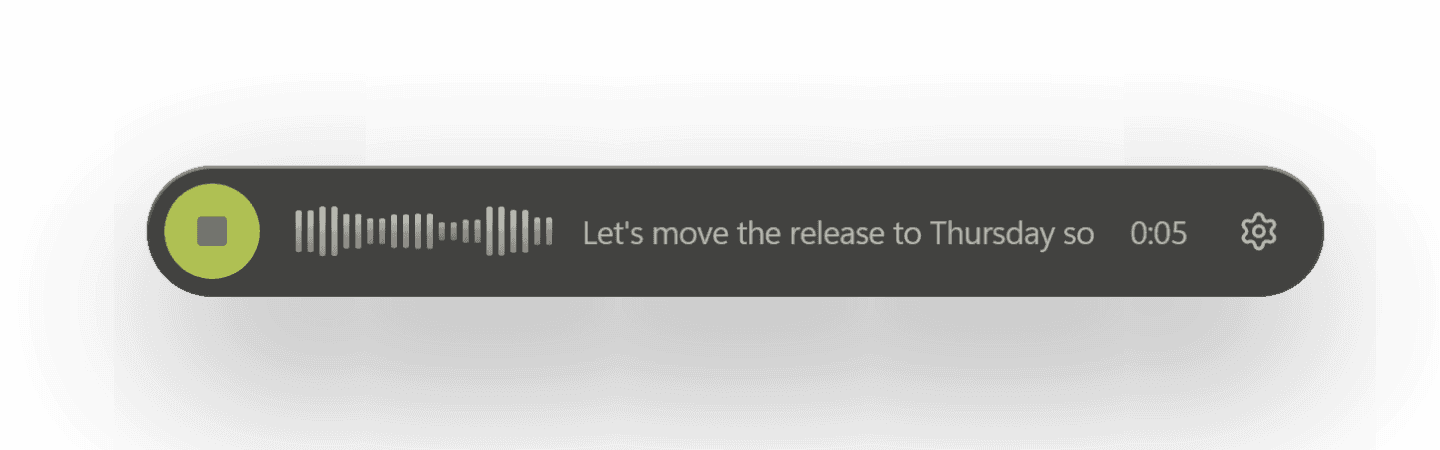
Sits at the bottom of your screen while you talk, showing what it heard. When you stop, the text goes into your app and the pill gets out of the way.
Editing by voice
Fix it by saying so
Right after you dictate, say what should change. SayEcho undoes what it typed and types the new version, in the same app, without you touching the keyboard.
Lists, deletions, swapping a word and changing case work on their own. Rewrites like “make it more formal” use a model: SayEcho Cloud, OpenAI, or Ollama on your computer.
Agenda for Tuesday: budget review, hiring plan, and the launch checklist.
Then say:
- Checked for an update2 days agoapi.github.com
- Downloaded the base.en speech model9 days agoobjects.githubusercontent.com
- Downloaded wake-word models9 days agogithub.com
Nothing since. Your dictation is being transcribed locally.
The real log from Settings → Privacy, with sample entries.
Privacy
Your voice stays on your computer
SayEcho keeps a log of every request it makes to the internet: where it went and why. With local transcription the log stays empty, so you can check it yourself.
- Transcribed on your computer
- The default speech model runs locally. No account, no upload, and it works with the Wi-Fi off.
- Cloud only when you choose it
- Prefer a hosted model? Add your own key, and it goes to your system keychain, not into a settings file.
- Never types into password fields
- SayEcho asks the system whether the field you're in is a password box, and stays out of it. On Linux fewer apps can answer, and Settings tells you which.
Also in SayEcho
Made for people who write all day
Clean text, not a transcript
Drops the ums and repeated words, writes numbers and times as digits, and takes spoken punctuation like “comma” and “new paragraph”.
Speak any language, type English
Say it in Hindi, Spanish or about 90 other languages, and English is what gets typed.
Names spelled the way they're written
Names and acronyms already in the field you're typing into steer the spelling, so a reply matches the thread. Windows and macOS.
A dictionary that learns
Fix a misheard word by hand and SayEcho adds the fix to your dictionary, with an Undo if you didn't mean it to.
The right tone for each app
Casual in chat, polished in email, and in your own words if you let it learn from what you've written. Needs a model, such as SayEcho Cloud.
Meeting notes from a recording
Transcribe a recording and get a summary, decisions, action items and open questions, saved as one Markdown file.
Settings per app
Let a terminal take your words exactly as spoken while email gets full punctuation.
Hands-free, if you want it
Start dictating by saying a wake phrase instead of pressing a shortcut. Off until you turn it on.
Works with what you already use
Raycast, Apple Shortcuts and your own scripts can start and stop dictation through a local connection that's off by default.
Say your next email instead
Free and open source, with no account to make. Install it, press the shortcut, and start talking.
Or install from a terminal: macOS and Linux
curl -fsSL https://raw.githubusercontent.com/vedantnimbarte/Echo/main/scripts/install.sh | shWindows PowerShell
irm https://raw.githubusercontent.com/vedantnimbarte/Echo/main/scripts/install.ps1 | iexSayEcho isn’t code-signed yet, so Windows and macOS warn you the first time you open it. Here’s what you’ll see.